
Media app developers can use the Car App Library (CAL) to build their app's user
interface. This library offers an alternative to the conventional method of
providing data through MediaBrowserService for the CarMediaApp to render.
CAL-based templated media apps let developers customize the user interface to
match their brand identity. Unlike CAL-based apps, conventional media apps using
MediaBrowserService and CarMediaApp don't allow developers to customize UI
styling; this styling is controlled by the OEM.
Developers can build a templated media app that supports Android Auto and Android Automotive OS (AAOS).
Integrate
Support for CAL-based templated media apps requires platform integration.
Prerequisites
Alternative App Controls enables apps to play background audio while providing distraction-optimized controls to control that audio.
Alternative App Controls is available in Car-apps-release-14 and higher.
- Enables apps to play background audio
- Enables apps that don't use
MediaBrowserServiceto still be controlled through a system media card.
The platform must declare support for
com.android.car.background_audio_while_driving.
Platform changes
The platform's CarMediaApp must:
- Have permission to enable a media app's CAL activity. See code example.
- Launch the CAL activity instead of Media Center on devices supporting the
android.software.car.templates_host.mediafeature. See code example.
The platform's Car Launcher must:
- Display only one app icon in the Car Launcher after the
CarMediaAppenables a media app's CAL activity. - Listen for the
PACKAGE_CHANGEDbroadcast and refresh the list of apps. See code example.
The platform's media card or widget must:
- Show playing audio in the media card.
Build configuration
The platform must declare support for
android.software.car.templates_host.media:
<permissions>
    <!-- Declare support for templated applications. -->
    <feature name="android.software.car.templates_host" />

    <!-- This feature indicates that the system supports apps that use the
    Car App Library Media category -->
    <feature name="android.software.car.templates_host.media"/>
</permissions>
Test
Test platform support for CAL-based media apps using TestMediaCalApp. TestMediaCalApp is a media app built with Car App Library that the Templates Host renders on the platform.
Install
TestMediaCalApp.apk.Open the app named Test Media3 CAL App on your launcher:
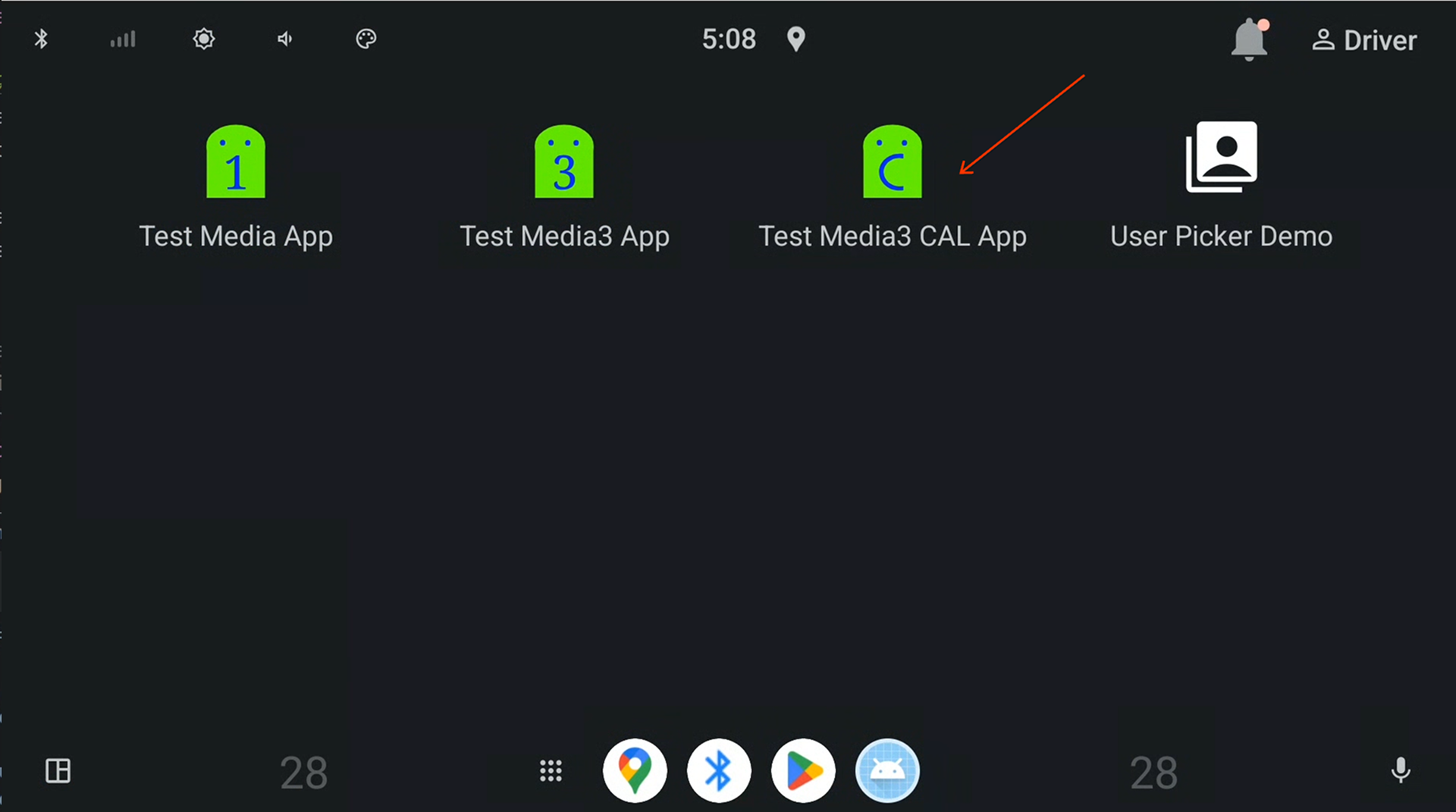
Figure 1. Test Media3 CAL App on Car Launcher.
After the app launches, go back to the launcher and observe the app's name is changed to Test Media CAL App. The previous app named Test Media3 CAL App should no longer be visible:
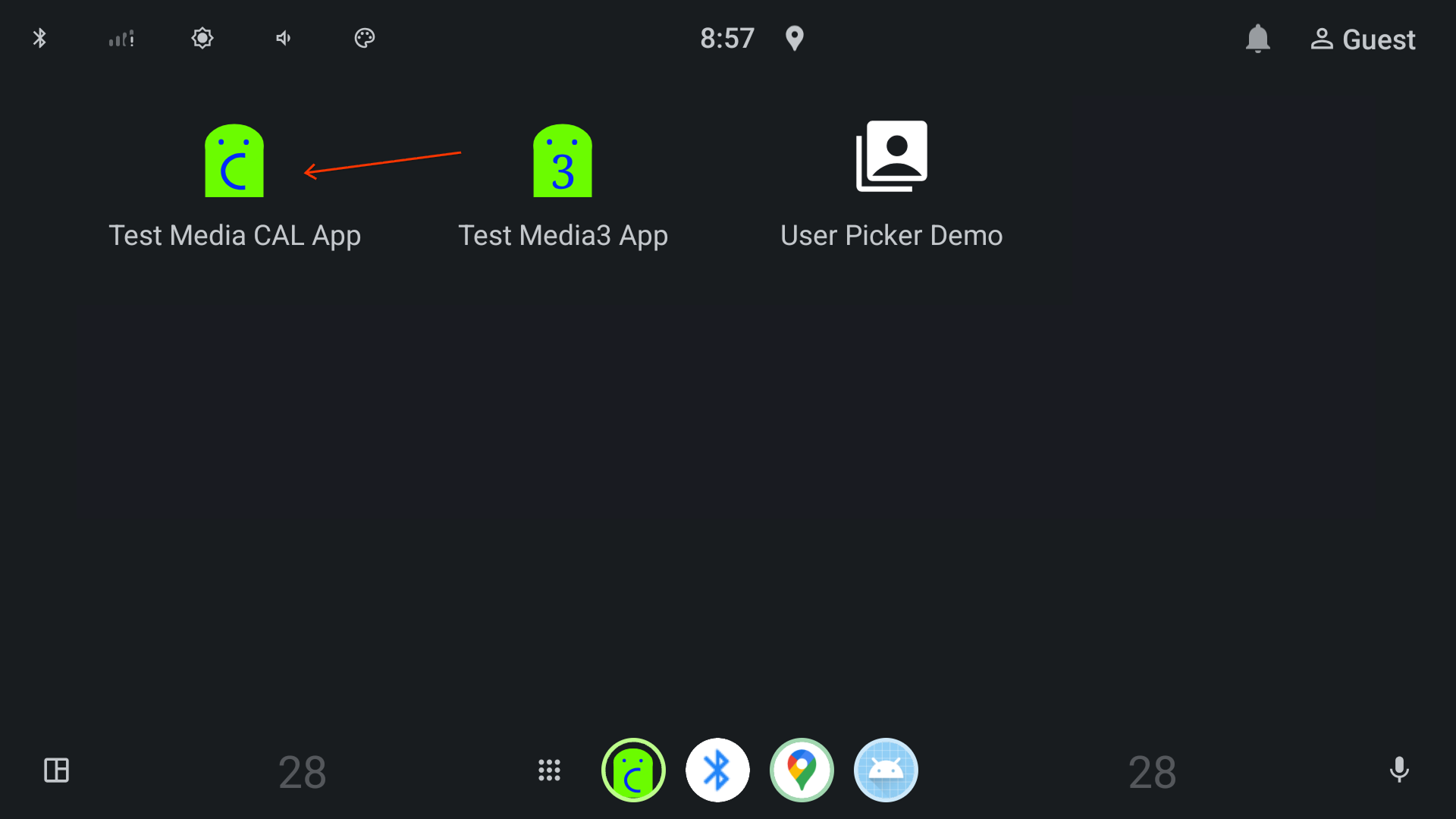
Figure 2. Test Media CAL App on Car Launcher.
Open Test Media CAL App and play any song by tapping a song in the playlist:
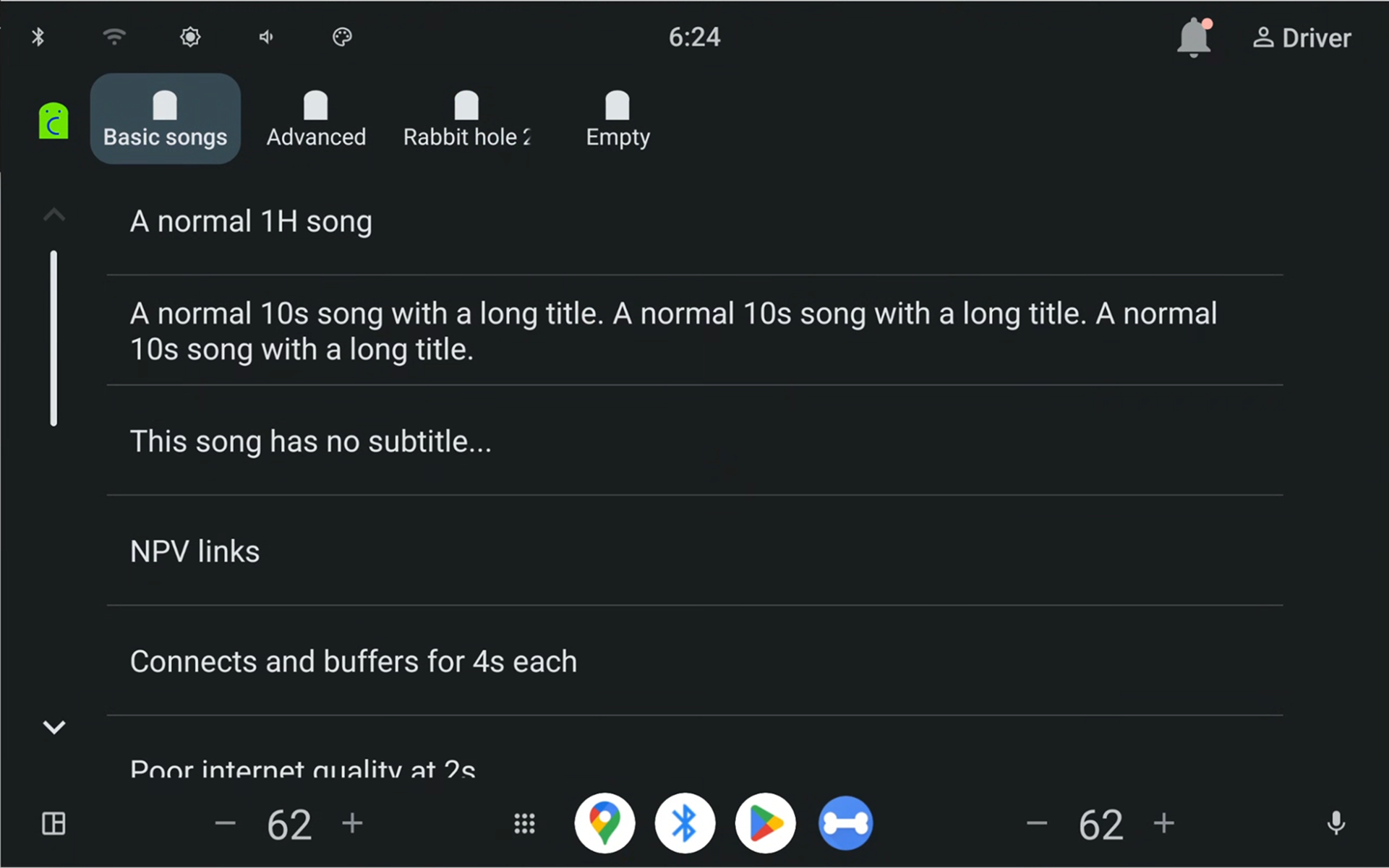
Figure 3. Playlist view rendered by App Host.
Observe the now playing view (
MediaPlaybackTemplate) is opened: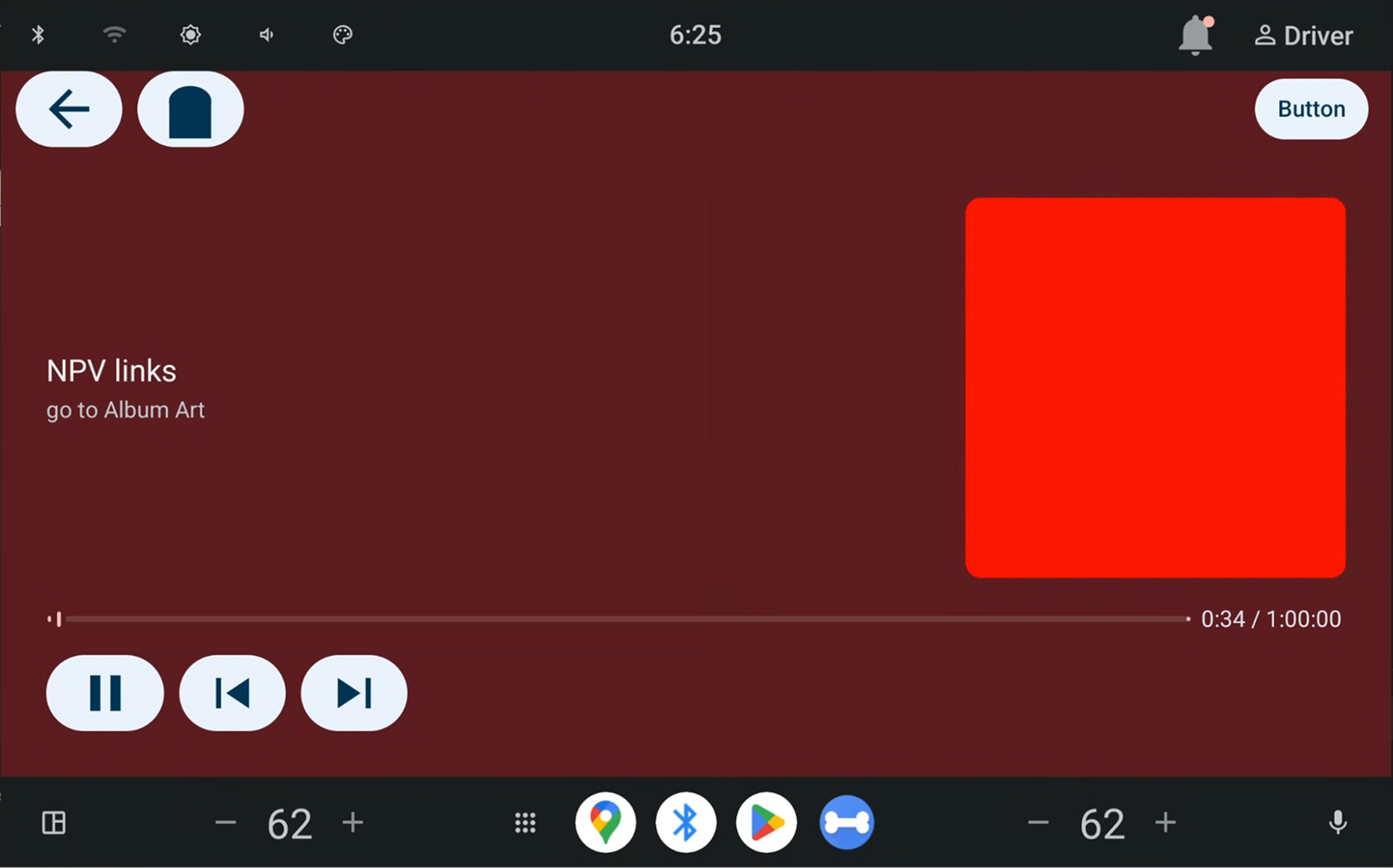
Figure 4. now playing view rendered by App Host.
Observe that the now playing metadata shows in the home screen media widget:
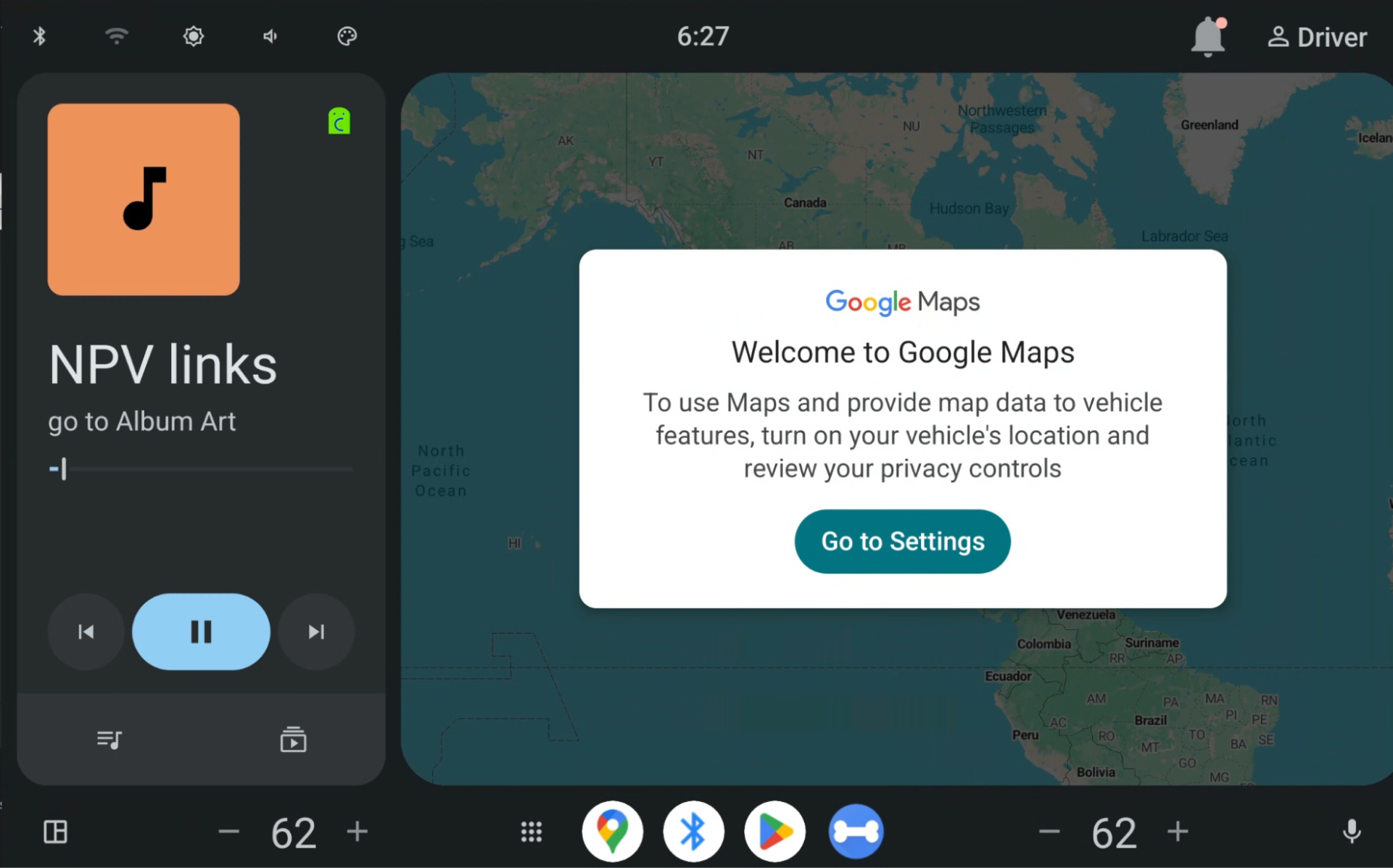
Figure 5. Media card.